Why Choose NexoraWeb
We combine cutting-edge technology with innovative solutions to deliver excellence
Lightning Fast
Optimized performance and rapid delivery for all your projects
AI-Powered
Leverage cutting-edge AI technology for smart solutions
Secure & Reliable
Enterprise-grade security and 99.9% uptime guarantee
Responsive Design
Perfect experience across all devices and screen sizes
24/7 Support
Round-the-clock support for all your technical needs
Fast Deployment
Quick turnaround time without compromising quality
Our Offerings
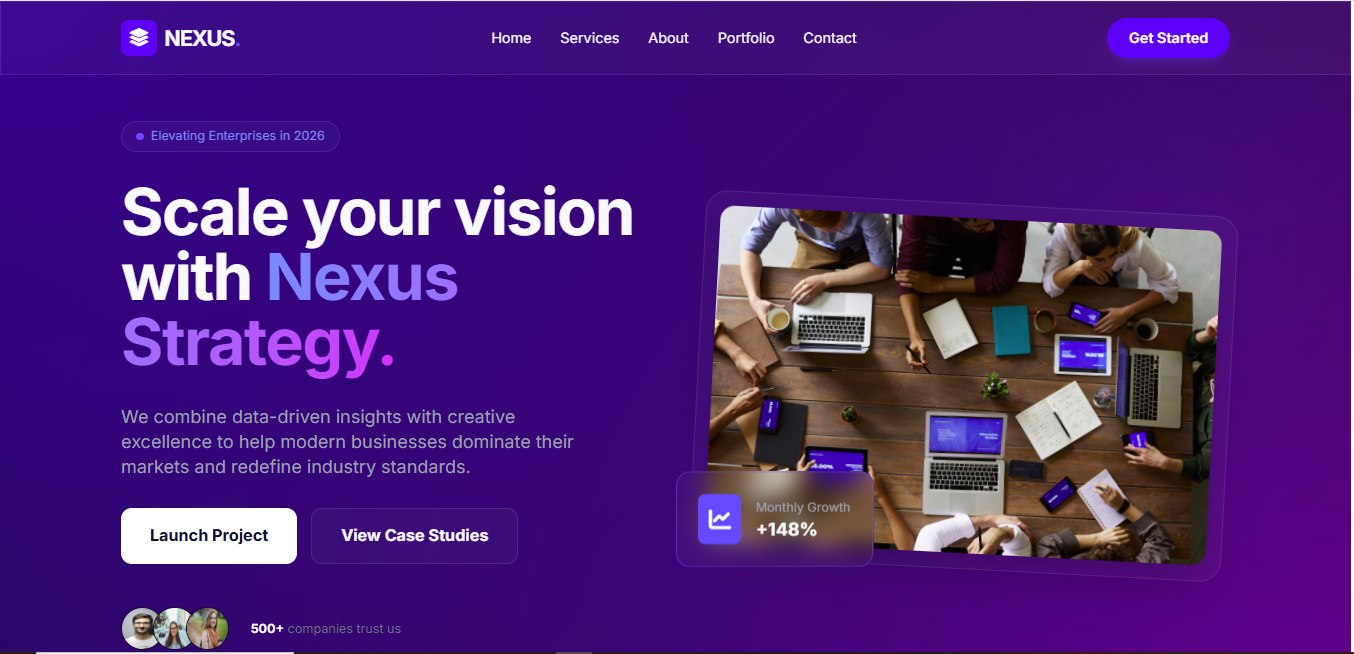
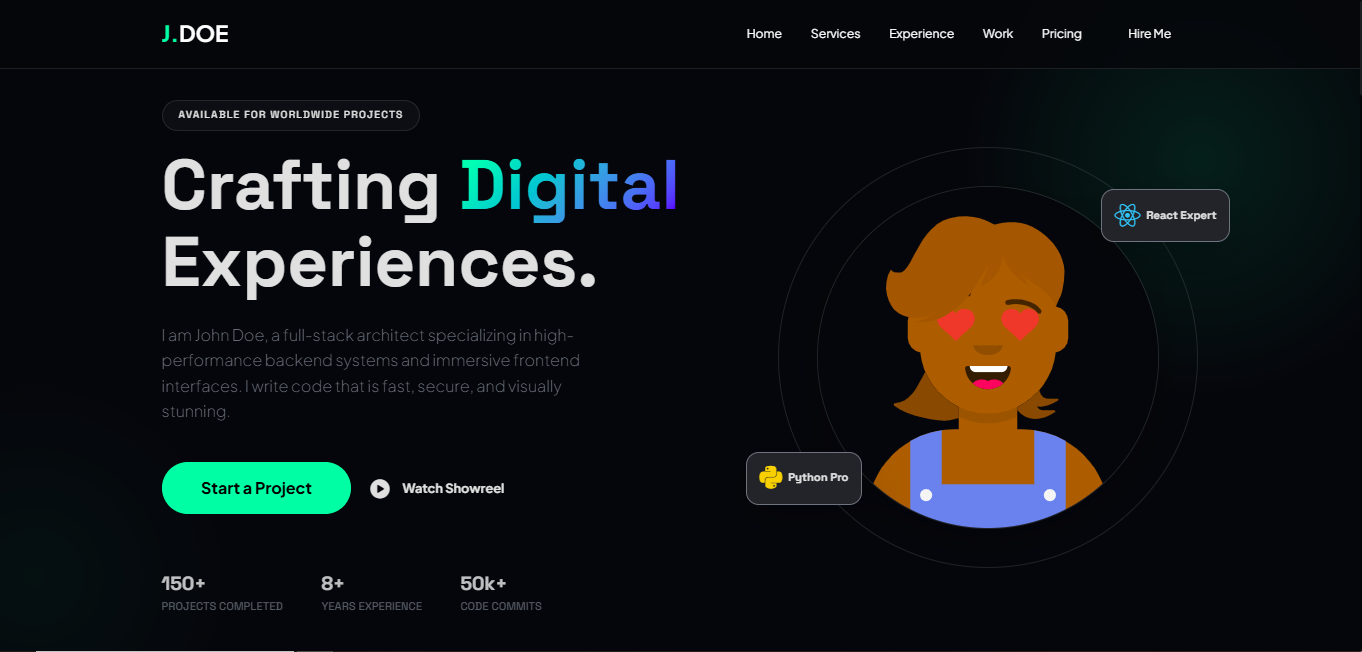
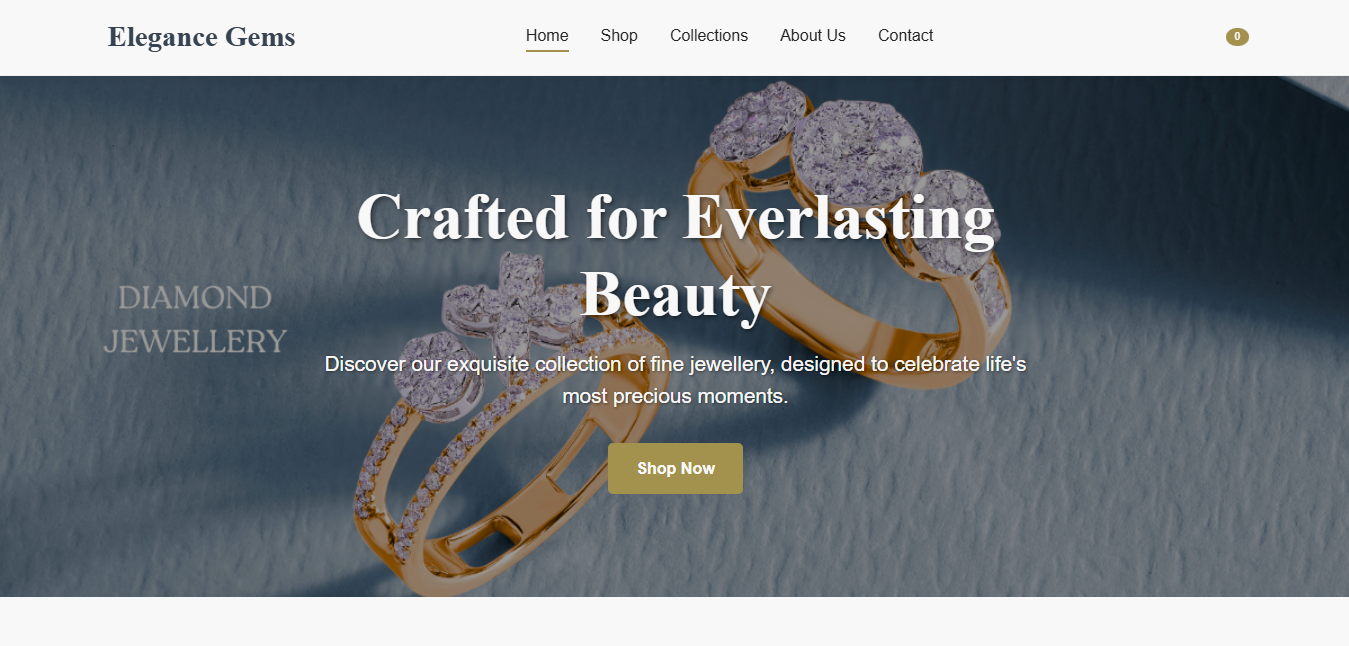
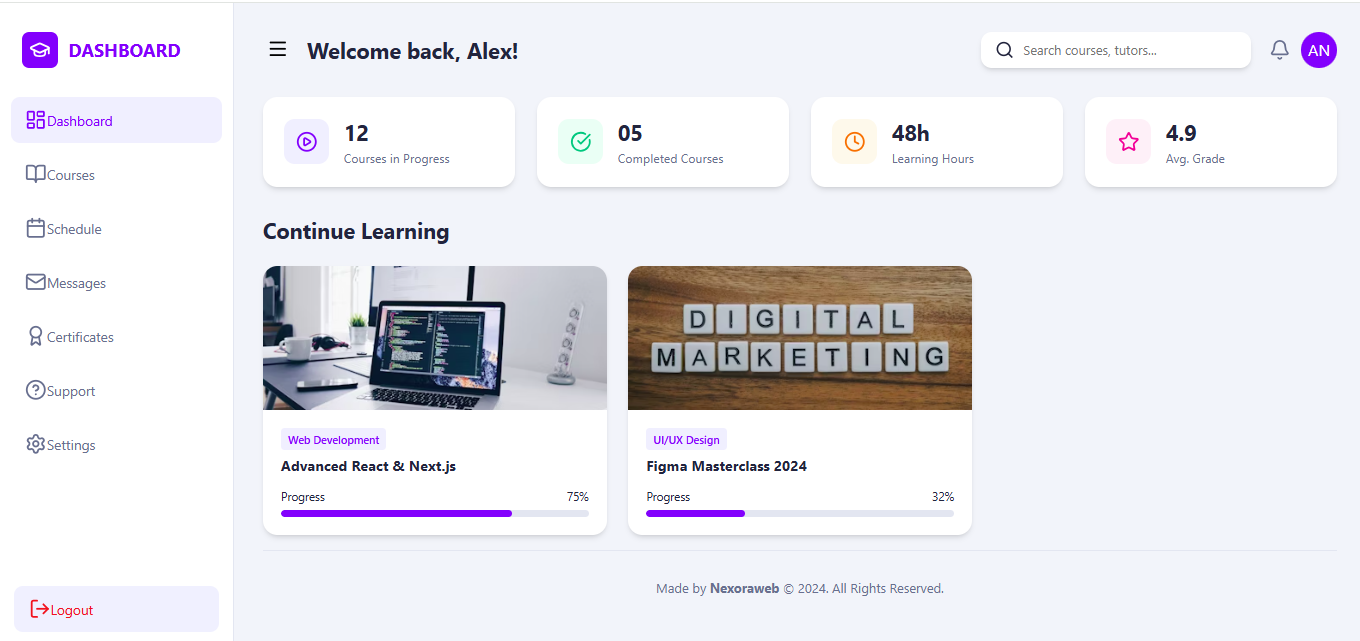
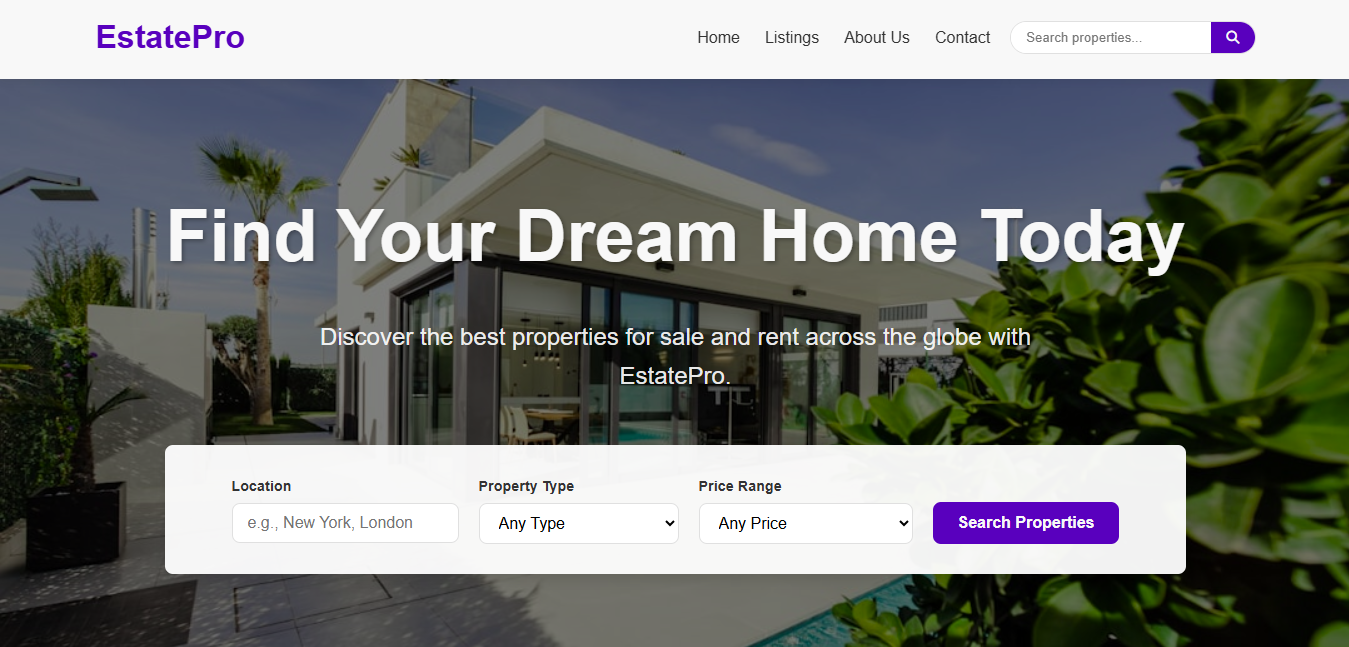
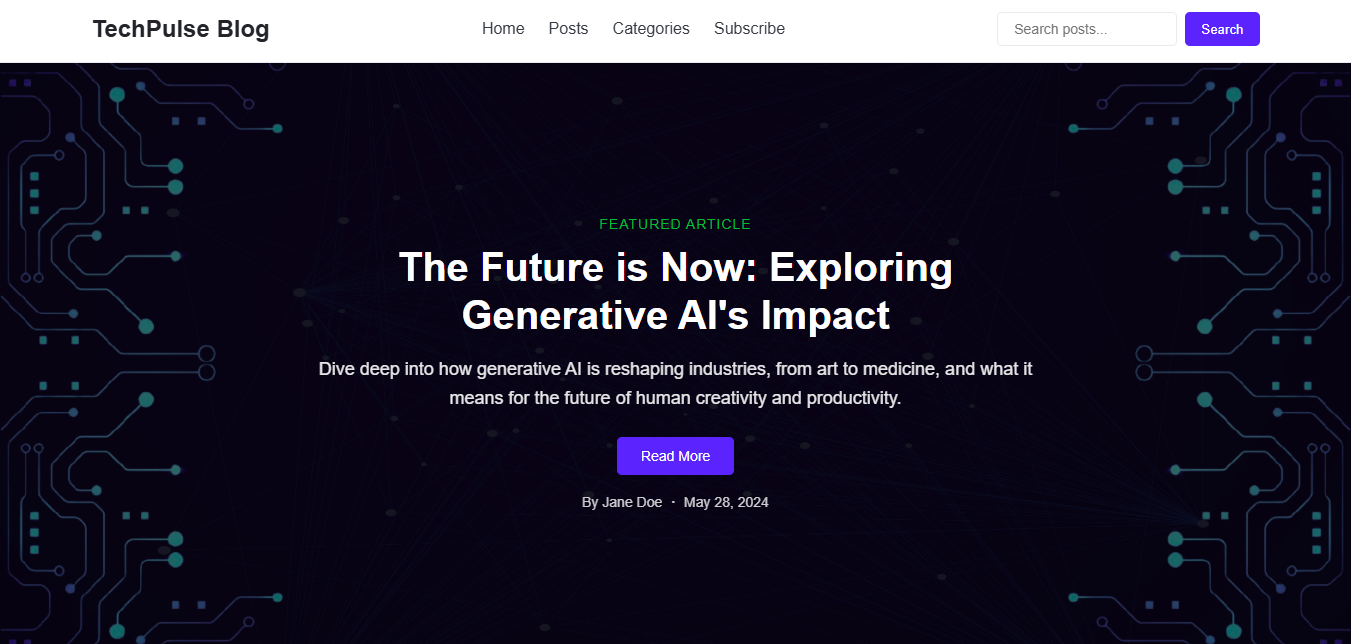
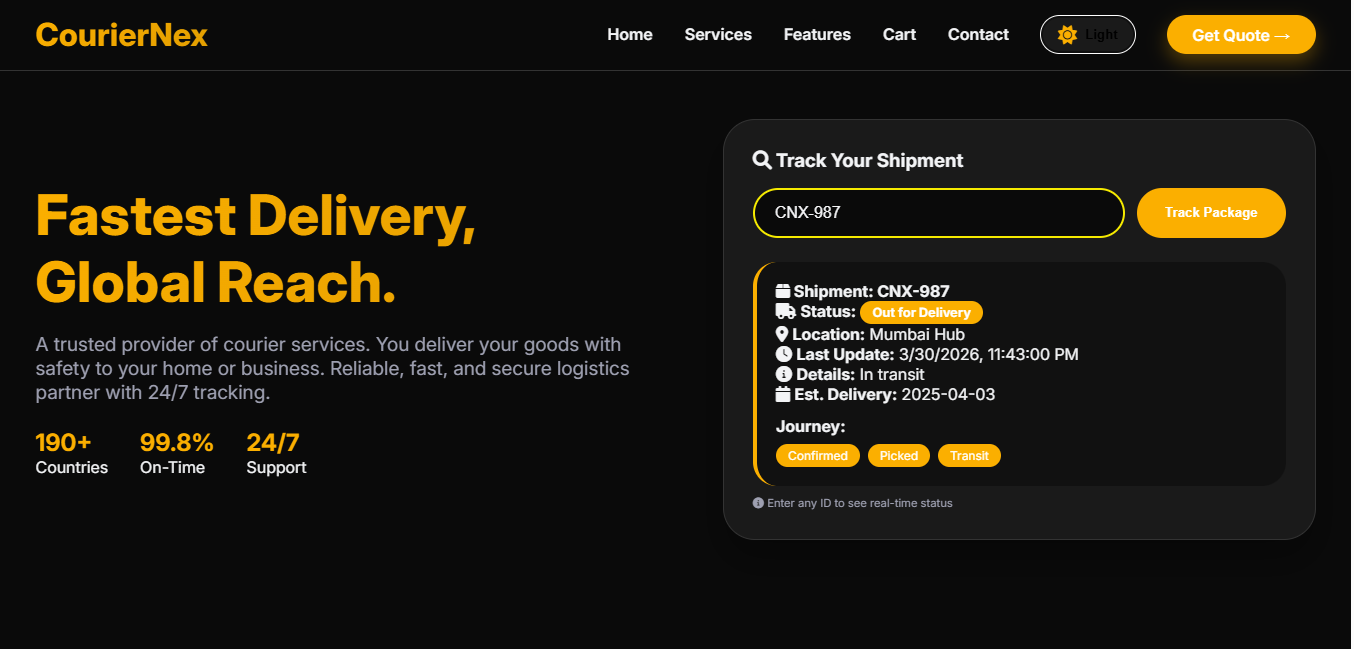
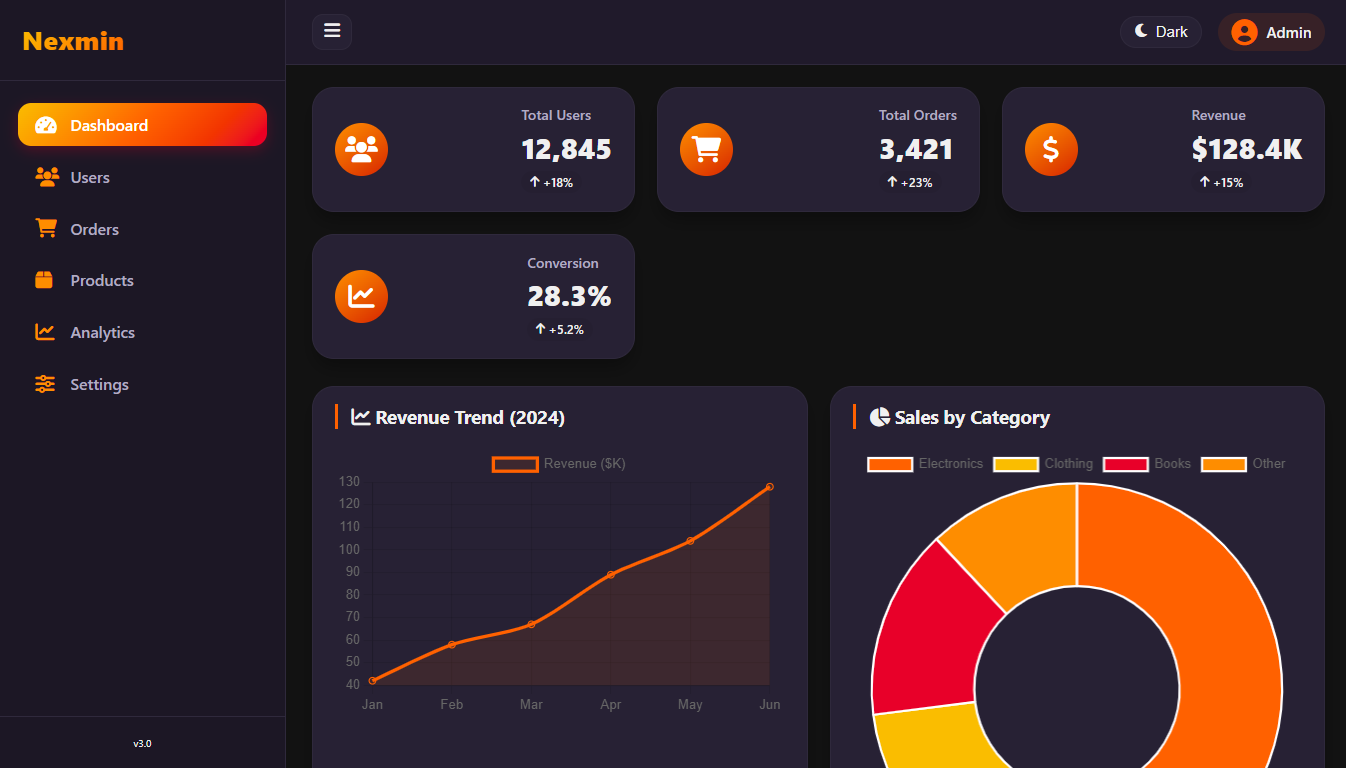
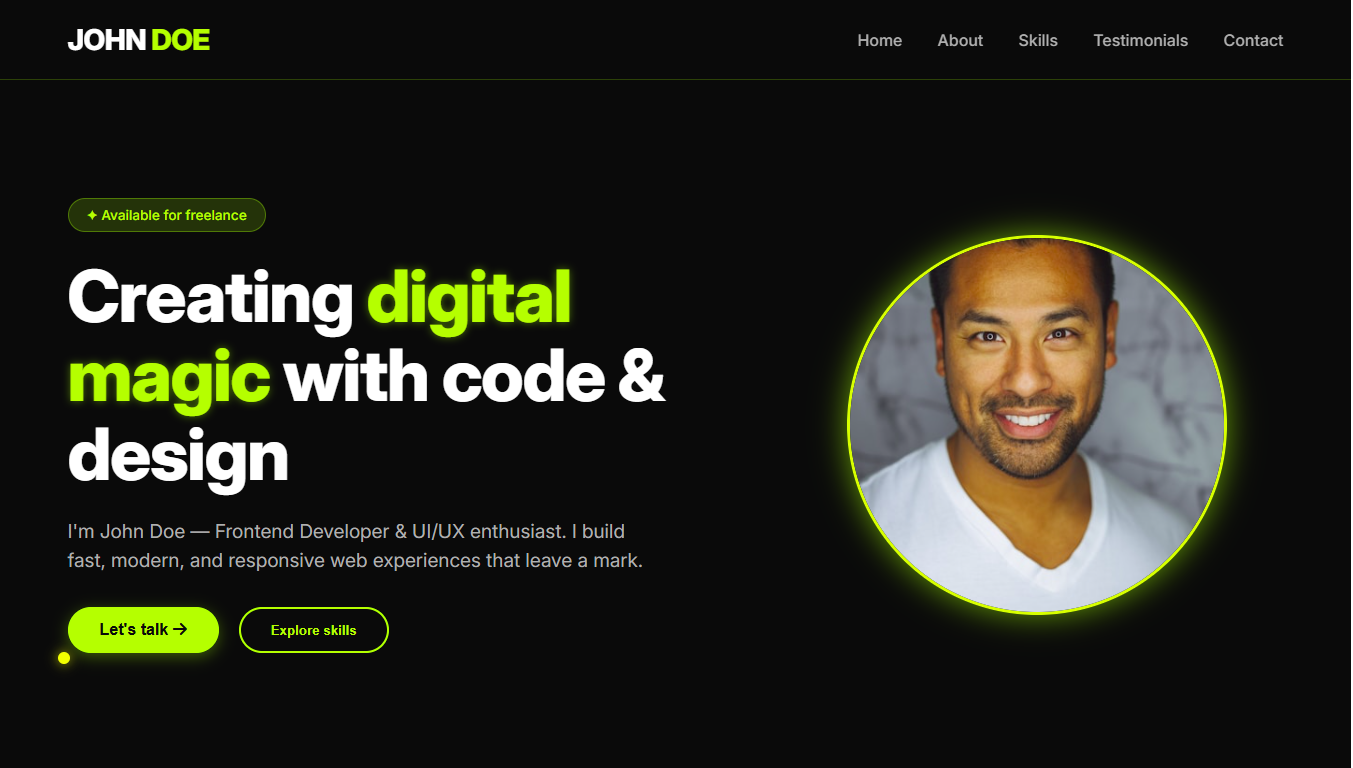
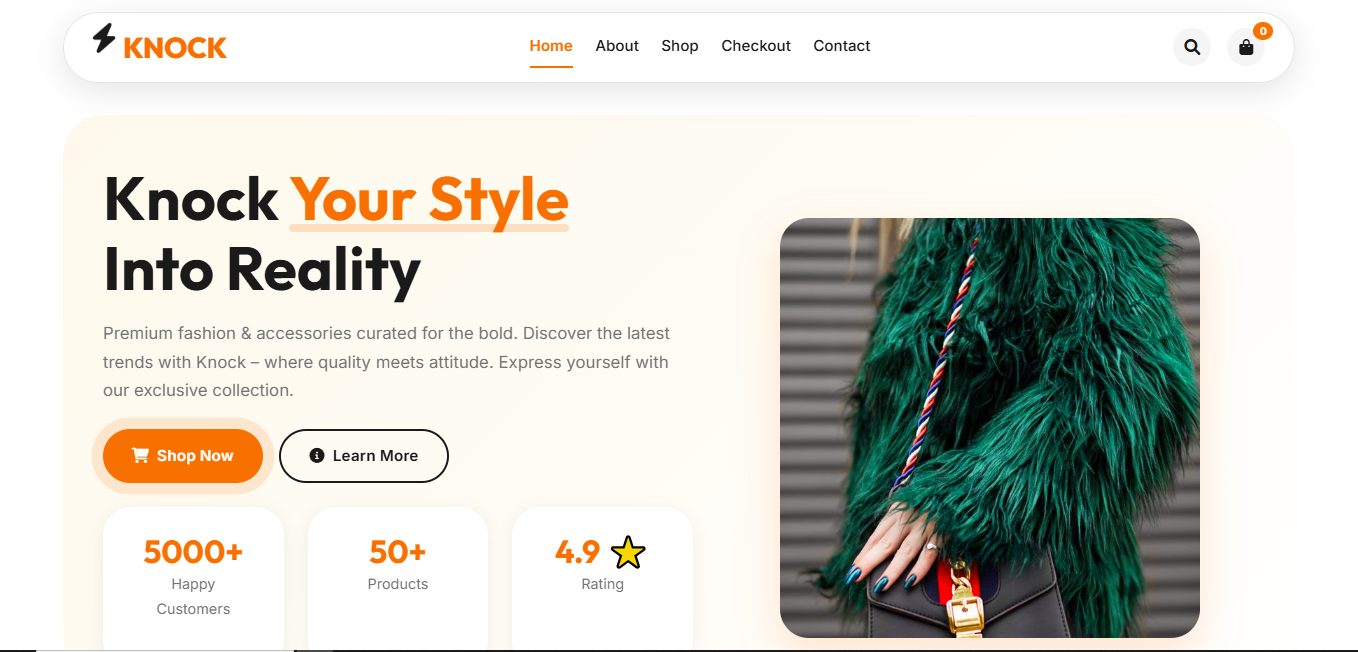
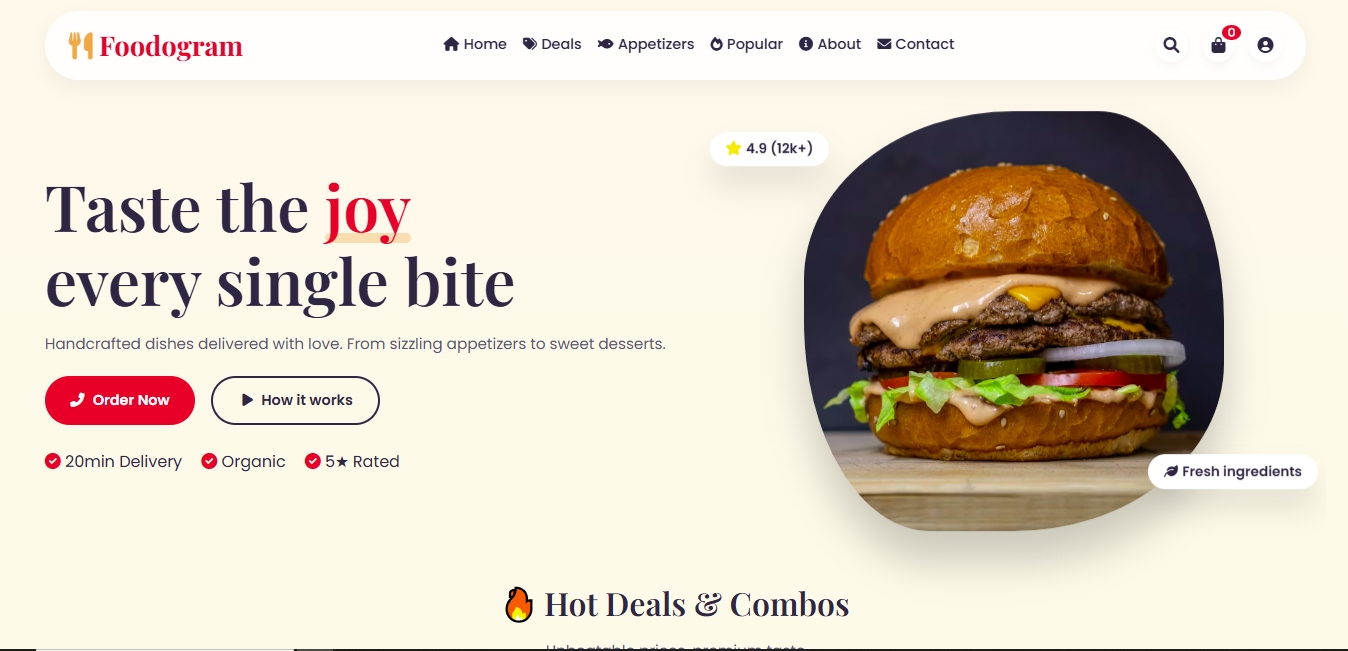
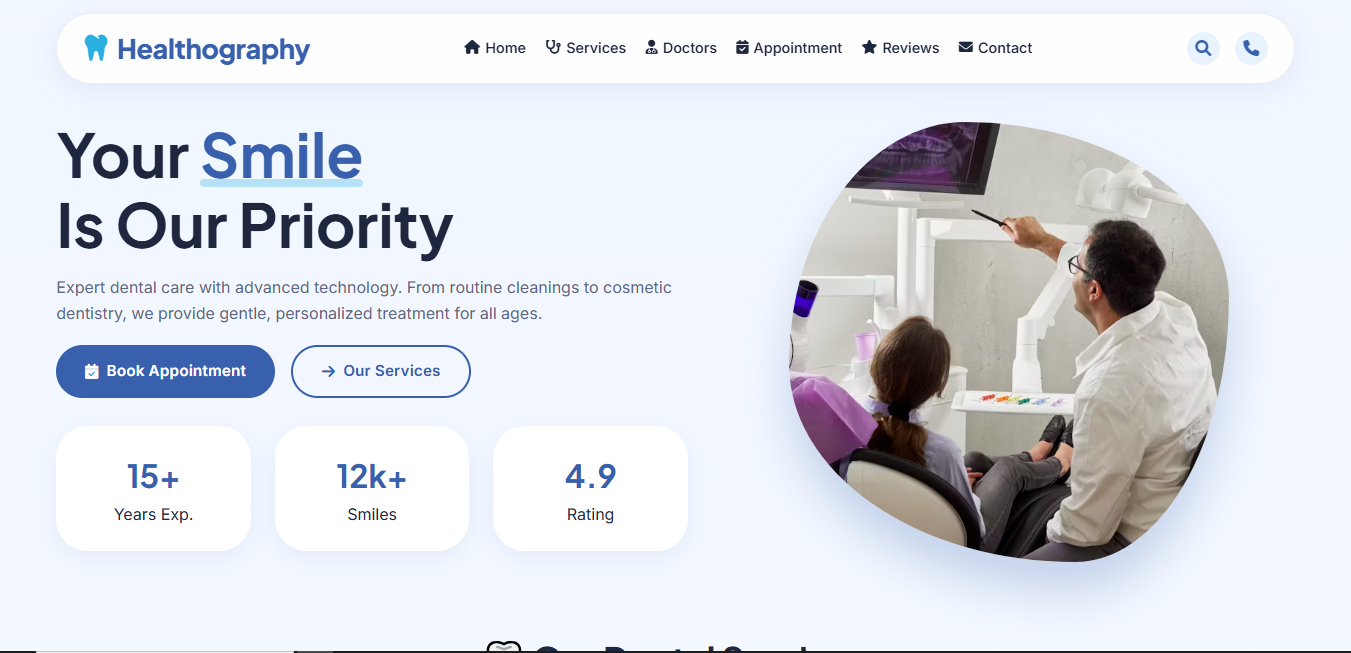
Premium Themes for your business


Minimalist Coffee Theme
Clean, fast-loading, and free template for personal shop.



Developer Resources
Ready-to-use UI components for your projects.

Clean Basic Form Template
Simple contact/signup form template with validation.

Modern Login Form UI
Sleek login, register, and password reset screens.

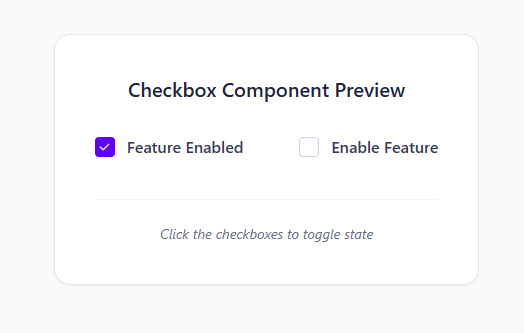
import React, { useState } from 'react';

const CustomCheckbox = ({ label, defaultChecked = false }) => {
  const [checked, setChecked] = useState(defaultChecked);
  return (
    <label className="flex gap-3 items-center cursor-pointer group">
      <input type="checkbox" className="hidden peer" checked={checked} onChange={() => setChecked(!checked)} />
      <span className="w-5 h-5 border border-slate-300 rounded relative flex items-center justify-center peer-checked:bg-blue-600">
        <svg width="11" height="8" viewBox="0 0 11 8" fill="none">
          <path d="m10.092.952-.005-.006-.006-.005A.45.45 0 0 0 9.43.939L4.162 6.23 1.585 3.636a.45.45 0 0 0-.652 0 .47.47 0 0 0 0 .657l.002.002L3.58 6.958a.8.8 0 0 0 .567.242.78.78 0 0 0 .567-.242l5.333-5.356a.474.474 0 0 0 .044-.65Zm-5.86 5.349V6.3Z" fill="#F5F7FF" stroke="#F5F7FF" strokeWidth=".4"/>
        </svg>
      </span>
      <span className="text-slate-700 font-medium">{checked ? 'Feature Enabled' : label}</span>
    </label>
  );
};
Filled Checkbox
Professional custom checkboxes with interactive states.
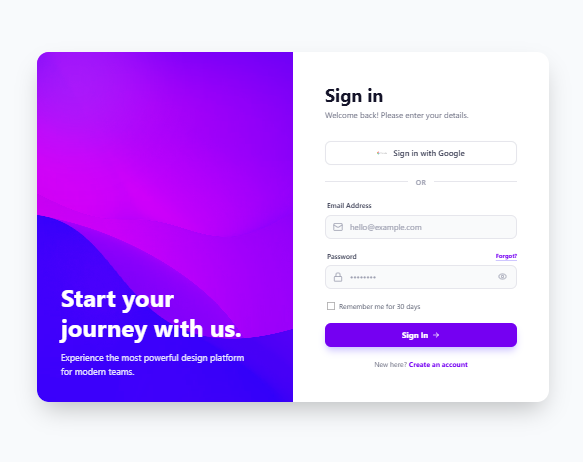
import React, { useState } from 'react';
import { Mail, Lock, Eye, EyeOff, ArrowRight } from 'lucide-react';

export default function App() {
  const [showPassword, setShowPassword] = useState(false);
  return (
    <div className="flex min-h-screen w-full bg-slate-50 items-center justify-center p-4">
      <div className="flex flex-col md:flex-row bg-white rounded-3xl shadow-2xl overflow-hidden max-w-5xl w-full">
        <div className="hidden md:flex md:w-1/2 relative bg-indigo-600">
          <img className="absolute inset-0 w-full h-full object-cover opacity-80" src="https://images.unsplash.com/photo-1618005182384-a83a8bd57fbe?q=80&w=2564&auto=format&fit=crop" />
          <div className="relative z-10 p-12 text-white"><h1 className="text-5xl font-bold">Start journey.</h1></div>
        </div>
        <div className="w-full md:w-1/2 p-16">
          <h2 className="text-4xl font-bold mb-2">Sign in</h2>
          <form className="space-y-6">
            <input type="email" placeholder="Email" className="w-full h-12 border rounded-xl px-4" />
            <button className="w-full h-12 bg-indigo-600 text-white rounded-xl">Sign In</button>
          </form>
        </div>
      </div>
    </div>
  );
}
React Login UI
Clean login form with split-screen layout and Lucide icons.
import React, { useState } from 'react';

       export default function App() {
         const [isOpen, setIsOpen] = useState(false);

         const navLinks = [
           { name: 'Products', href: '#' },
           { name: 'Stories', href: '#' },
           { name: 'Pricing', href: '#' },
           { name: 'Docs', href: '#' }
         ];

         return (
    <div className="w-full bg-slate-950 p-6 flex justify-center">
      <nav className="relative flex items-center justify-between border border-slate-700 px-6 py-4 rounded-full text-white text-sm max-w-6xl w-full backdrop-blur-md bg-slate-900/50">
        {/* Logo Section */}
        <div className="flex items-center">
          <a href="/" className="hover:opacity-80 transition-opacity">
            <svg width="32" height="32" viewBox="0 0 32 32" fill="none" xmlns="http://www.w3.org/2000/svg">
              <circle cx="4.706" cy="16" r="4.706" fill="#6366f1" />
              <circle cx="16.001" cy="4.706" r="4.706" fill="#818cf8" />
              <circle cx="16.001" cy="27.294" r="4.706" fill="#818cf8" />
              <circle cx="27.294" cy="16" r="4.706" fill="#6366f1" />
            </svg>
          </a>

          {/* Desktop Nav Links */}
          <div className="hidden md:flex items-center gap-6 ml-10">
            {navLinks.map((link) => (
              <a
                key={link.name}
                href={link.href}
                className="relative overflow-hidden h-6 group font-medium text-slate-300 hover:text-white transition-colors"
              >
                <span className="block group-hover:-translate-y-full transition-transform duration-300">
                  {link.name}
                </span>
                <span className="block absolute top-full left-0 group-hover:translate-y-[-100%] transition-transform duration-300">
                  {link.name}
                </span>
              </a>
            ))}
          </div>
        </div>

        {/* Action Buttons */}
        <div className="hidden md:flex items-center gap-4">
          <button className="border border-slate-600 hover:bg-slate-800 px-5 py-2 rounded-full text-sm font-medium transition active:scale-95">
            Contact
          </button>
          <button className="bg-white text-black px-5 py-2 rounded-full text-sm font-bold hover:bg-indigo-50 transition duration-300 shadow-[0_0_20px_rgba(255,255,255,0.3)] hover:shadow-indigo-500/50 active:scale-95">
            Get Started
          </button>
        </div>

        {/* Mobile Menu Toggle */}
        <button
          onClick={() => setIsOpen(!isOpen)}
          className="md:hidden p-2 text-slate-300 hover:text-white transition-colors"
        >
          {isOpen ? (
            <svg className="w-6 h-6" fill="none" stroke="currentColor" viewBox="0 0 24 24">
              <path strokeLinecap="round" strokeLinejoin="round" strokeWidth="2" d="M6 18L18 6M6 6l12 12" />
            </svg>
          ) : (
            <svg className="w-6 h-6" fill="none" stroke="currentColor" viewBox="0 0 24 24">
              <path strokeLinecap="round" strokeLinejoin="round" strokeWidth="2" d="M4 6h16M4 12h16M4 18h16" />
            </svg>
          )}
        </button>

        {/* Mobile Menu Dropdown */}
        {isOpen && (
          <div className="absolute top-[80px] left-0 right-0 bg-slate-900 border border-slate-800 rounded-3xl p-6 flex flex-col gap-4 md:hidden z-50 animate-in fade-in slide-in-from-top-4 duration-300">
            {navLinks.map((link) => (
              <a
                key={link.name}
                href={link.href}
                className="text-lg font-medium text-slate-300 hover:text-indigo-400 border-b border-slate-800 pb-2"
                onClick={() => setIsOpen(false)}
              >
                {link.name}
              </a>
            ))}
            <div className="flex flex-col gap-3 pt-2">
              <button className="w-full border border-slate-600 py-3 rounded-2xl font-medium">
                Contact
              </button>
              <button className="w-full bg-white text-black py-3 rounded-2xl font-bold">
                Get Started
              </button>
            </div>
          </div>
        )}
      </nav>
    </div>
  );
}
Responsive Navbar
Glassmorphism effect navbar with animated mobile menu states.
About NexoraWeb
NexoraWeb is a founder-led technology platform specializing in web development, AI integration, and business automation. Every solution is crafted with a focus on quality, innovation, and real business results.
Our Mission
To empower businesses with cutting-edge web and AI solutions that drive growth, efficiency, and innovation. We believe in creating technology that makes a real difference.
Our Vision
To be the leading provider of AI-powered web solutions, recognized globally for excellence, innovation, and customer satisfaction.
Our Expertise
Technologies We Master
Client Reviews
Share your experience and read what others say
Recent Customer Experiences (0)
Write Your Review
Get In Touch
Let's discuss your project and bring your ideas to life
Email Us
Waizjamal7@gmail.com
Call Us
+92 332 9183482
Available for Projects
Mon - Fri: 11:00 AM - 6:00 PM
Quick Questions?
What is your typical project timeline?
Most projects are completed within 2-4 weeks, depending on complexity and requirements.
Do you offer support after project delivery?
Yes, we provide 10 days of free support and maintenance after project delivery.
What payment methods do you accept?
We accept bank transfers, and major credit cards. Payment plans are available for larger projects.